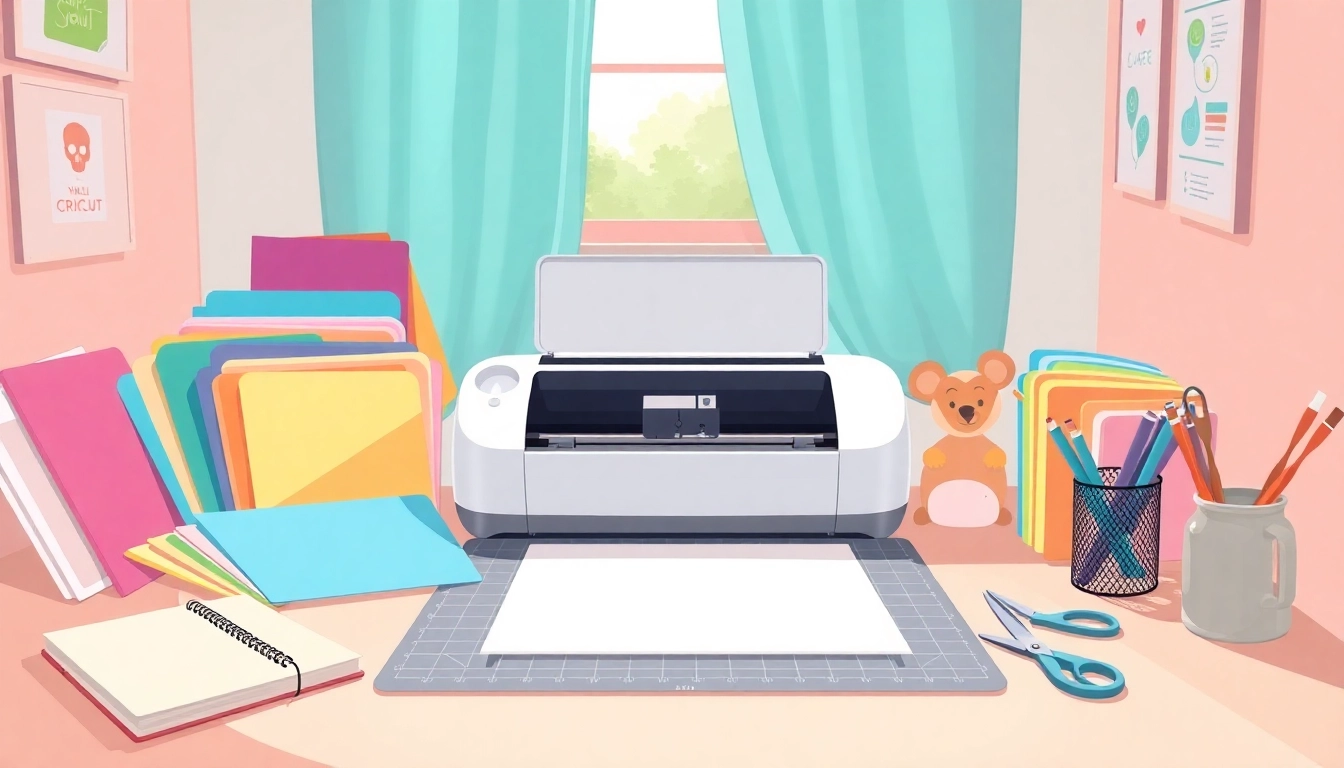
Getting Started with Cricut: A Beginner's Journey
For those venturing into the world of crafting, the Cricut machine stands out as a revolutionary tool that opens the door to endless possibilities. Whether you are a beginner looking to add a personal touch to gifts, decor, or your own projects, understanding how to navigate this machine is essential. This guide will not only introduce you to the Cricut but also equip you with the knowledge to start your crafting journey confidently. From essential tools to first projects, we've got you covered with practical tips and insights tailored for Cricut for beginners.
Understanding Cricut Machines and Their Functions
Cricut machines are versatile cutting tools that allow users to cut a variety of materials, from paper to vinyl to fabric. The most popular models include the Cricut Explore series and the Cricut Maker, each offering unique features suited for different crafting needs. The Cricut Maker, for example, supports a wider range of materials and tools, making it ideal for those who want to explore different crafting techniques.
Knowing the capabilities of your Cricut machine is crucial. Each model comes with its own set of tools and functionalities. For instance, the Explore series is excellent for creating intricate designs with ease, while the Maker is designed for advanced projects that involve fabric, leather, and other materials.
Essential Tools and Materials for New Users
- Cricut Machine: Your primary investment, choose between models based on your crafting needs.
- Cutting Mat: Essential for holding your material in place while cutting.
- Weeding Tools: Important for removing excess material after cutting, especially with vinyl.
- Transfer Tape: Ideal for transferring your designs onto your project surface.
- Variety of Materials: Stock up on vinyl, cardstock, fabric, and more to explore different projects.
Setting Up Your Cricut and Software for Success
Setting up your Cricut is a straightforward process. Start by downloading the Cricut Design Space software, which is crucial for designing and sending cuts to your machine. The software is user-friendly and available on both desktop and mobile platforms, allowing for flexibility in your crafting.
Once downloaded, follow the prompts to connect your machine to your device via Bluetooth or USB cable. Ensure you have your materials ready, as the software will guide you through the necessary steps to calibrate and prepare your machine for its first use.
First Steps: Your First Projects
Embarking on your Cricut crafting adventure can be thrilling yet a bit daunting. The key is to start with simple projects that will familiarize you with the machine's capabilities while allowing for creative expression.
Easy Cricut Projects to Kick Off Your Crafting
- Vinyl Decals: Personalize water bottles or laptops with simple quotes or images.
- Greeting Cards: Create unique cards for special occasions using cardstock.
- Labels: Organize your space by making custom labels for jars and boxes.
- T-Shirts: Use iron-on vinyl to design custom t-shirts.
Step-by-Step Guide to Your First Cut
- Select Your Design: Choose a pre-made design from Cricut Design Space or create your own.
- Prepare Your Mat: Place your material on the cutting mat, ensuring it is securely adhered.
- Load the Mat: Insert the mat into the Cricut machine, following the on-screen prompts.
- Start Cutting: Press the flashing Cricut button to begin the cut.
- Weed and Transfer: Once the cutting is complete, use weeding tools to remove excess material.
Common Mistakes to Avoid on Your First Try
Many beginners face challenges during their first projects. Here are some common pitfalls to avoid:
- Incorrect Material Choice: Make sure to select the appropriate material settings to avoid cuts that are too deep or too shallow.
- Poor Mat Preparation: A dirty or worn-out cutting mat can affect the quality of your cuts. Always ensure your mat is clean and sticky.
- Forgetting to Mirror Designs: Remember to mirror your designs when using iron-on vinyl to ensure proper application.
Designing with Cricut: Tips for Beginners
Once you get the hang of it, designing with Cricut can be incredibly rewarding. Here are some effective strategies to help you make the most of your Cricut Design Space experience.
How to Use Cricut Design Space Effectively
The Cricut Design Space is your canvas for creating and manipulating designs. Familiarize yourself with its features, such as layers, fonts, and images. The platform also offers numerous tutorials on using its various functions, which can significantly enhance your design skills.
Creating Your Own Designs: A Beginner's Guide
Don’t be afraid to unleash your creativity! You can create unique designs by using shapes, text, and images. To start:
- Combine Shapes: Use the software to cut multiple shapes and combine them into a new design.
- Add Text: Choose from a variety of fonts and styles to personalize your projects.
- Upload Images: Use your own graphics to create one-of-a-kind designs.
Exploring Pre-Made Designs and Templates
For those short on time or seeking inspiration, Cricut Design Space offers a vast library of pre-made designs and templates. This feature allows you to start crafting immediately without the hours spent designing from scratch.
Maintaining Your Cricut Machine
To ensure your Cricut machine operates effectively for years to come, regular maintenance is essential. Here’s how to keep your machine in top shape.
Cleaning and Care Tips for Longevity
Periodically clean your Cricut machine to prevent any buildup of dust and debris. Wipe the exterior with a damp cloth, and use a soft brush to clean the cutting blade and housing.
Troubleshooting Common Issues
Even seasoned users encounter issues. Common problems include:
- Cutting Issues: Check your material settings and blade sharpness.
- Software Glitches: Restart the software or your device if necessary.
- Connection Problems: Ensure your Bluetooth is working or try a different USB port.
Upgrading Your Accessories for Better Performance
As you become more proficient, consider upgrading your tools and accessories. Better blades, mats, and tools can significantly enhance your crafting experience, allowing for more intricate and professional results.
Community and Resources for Cricut Enthusiasts
Engaging with the Cricut community can provide support, inspiration, and knowledge sharing. Here’s how to connect and learn more.
Finding Online Support Groups and Tutorials
Join online forums, Facebook groups, and YouTube channels dedicated to Cricut enthusiasts. These platforms often share valuable tips, project ideas, and troubleshooting advice.
Recommended Books and Blogs for Further Learning
Consider picking up books or following blogs that cater to Cricut users. Resources like "Cricut for Dummies" offer step-by-step guidance for beginners looking to expand their skills.
Upcoming Trends in Cricut Crafting for 2026
As crafting continues to evolve, expect to see trends focusing on sustainable materials, tech integration, and personalized experiences. Keeping an eye on these trends will allow you to adapt your projects to meet current crafting demands and styles.